Open source · MIT

Browse your Claude Code setup,
without leaving the terminal

A lazygit-style TUI for visualizing slash commands, subagents, skills, memory, MCPs, and hooks. Zero config. One command.

$ uvx lazyclaude
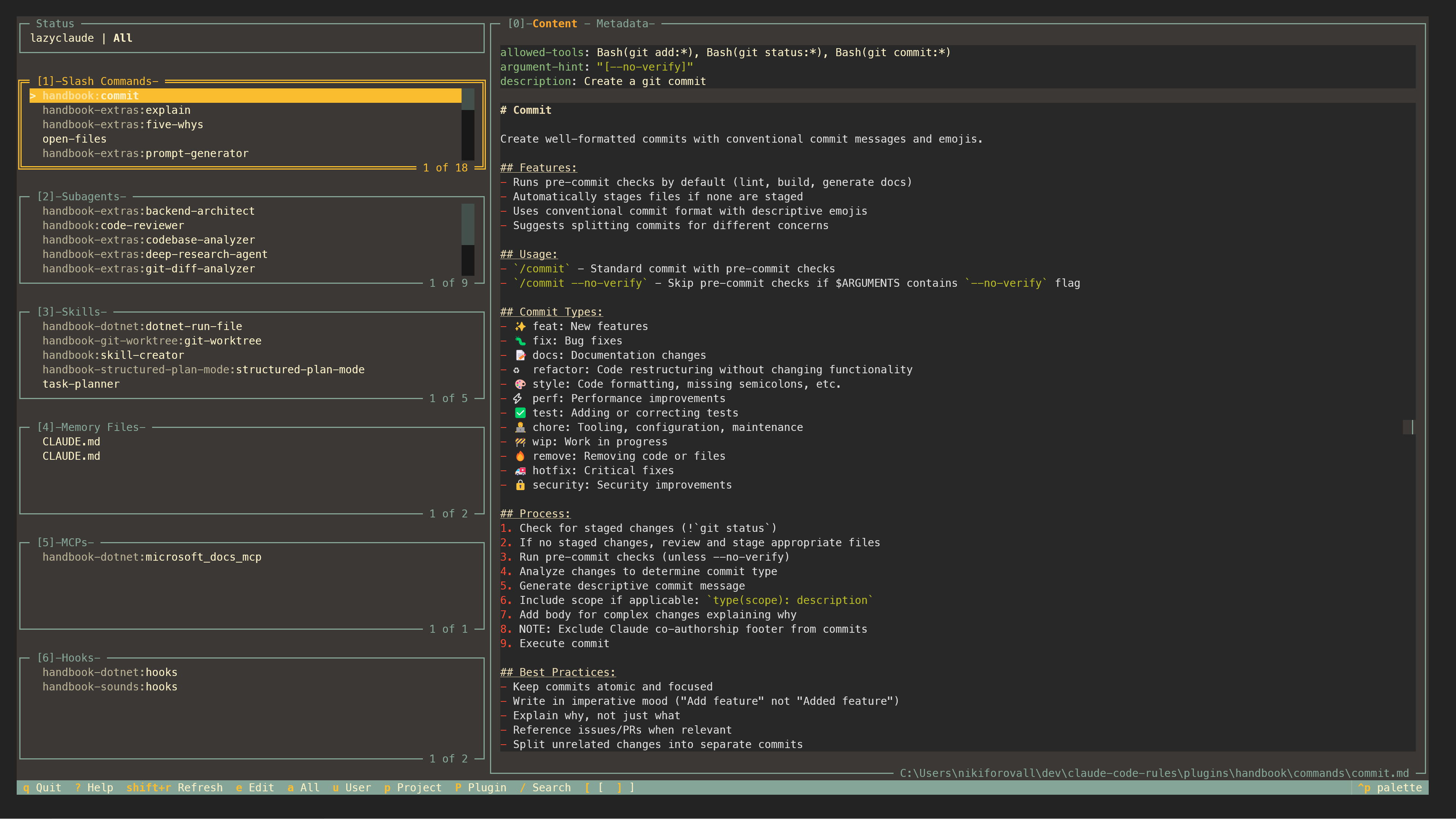
LazyClaude TUI interface

Everything Claude Code,
in one terminal view

Multi-panel layout

Six panels for every customization type: commands, subagents, skills, memory, MCPs, and hooks.

Keyboard-first

Vim-like navigation with j/k, panel switching with 1-6, and single-key actions.

Marketplace browser

Browse, install, and manage plugins from community marketplaces. Press M to explore.

Copy & move

Move customizations between User, Project, and Plugin levels with c and m.

Plugin preview

Explore plugin contents before installing. See what you're getting with p.

Content & metadata

Toggle between rendered content and frontmatter metadata with [ and ].

See it in action

1

First launch

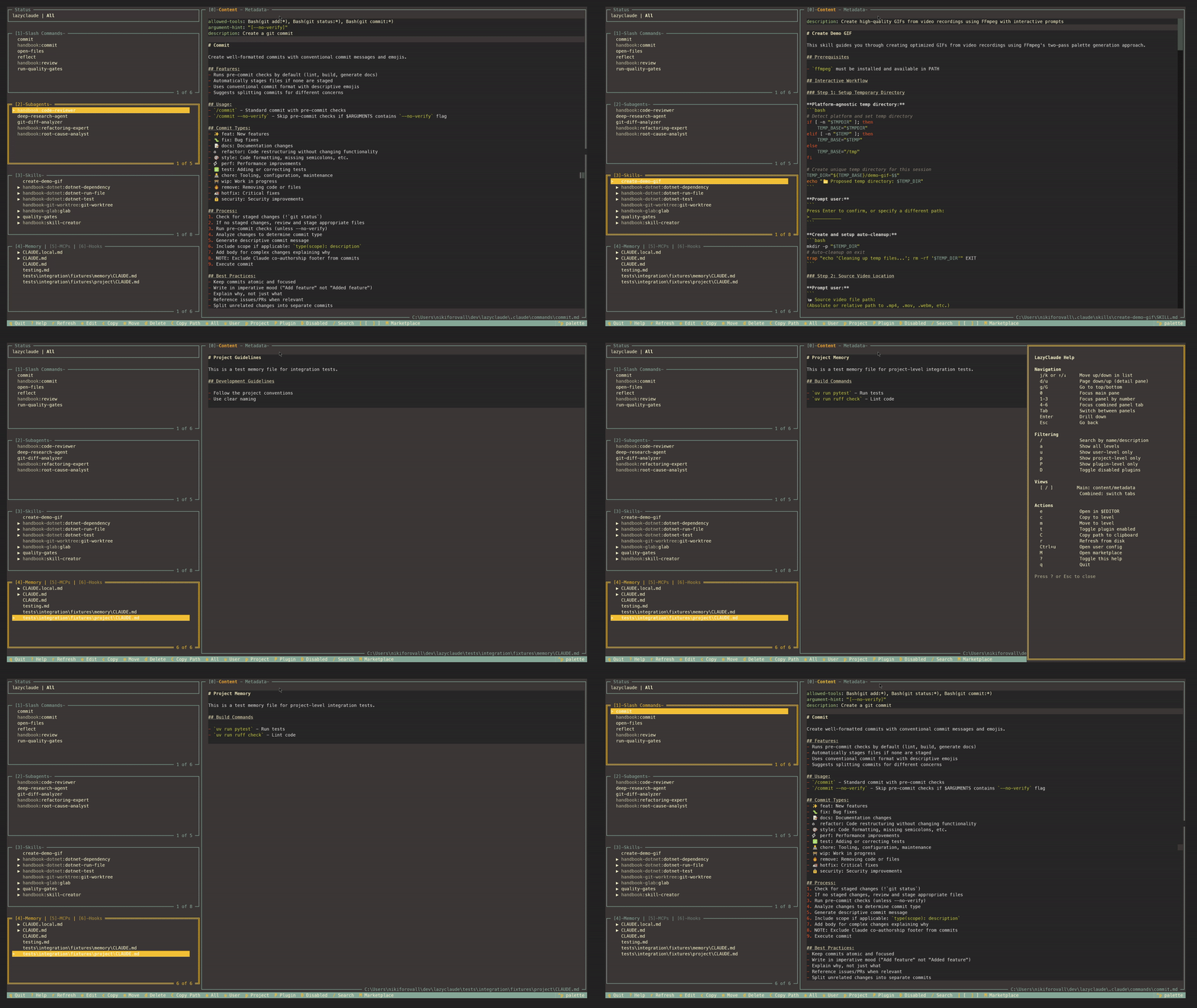
Install with one command and immediately explore all your Claude Code customizations. Navigate panels with vim keys, switch with number keys, toggle views instantly.

jk1-6[ ]
First launch demo
2

Filter by level

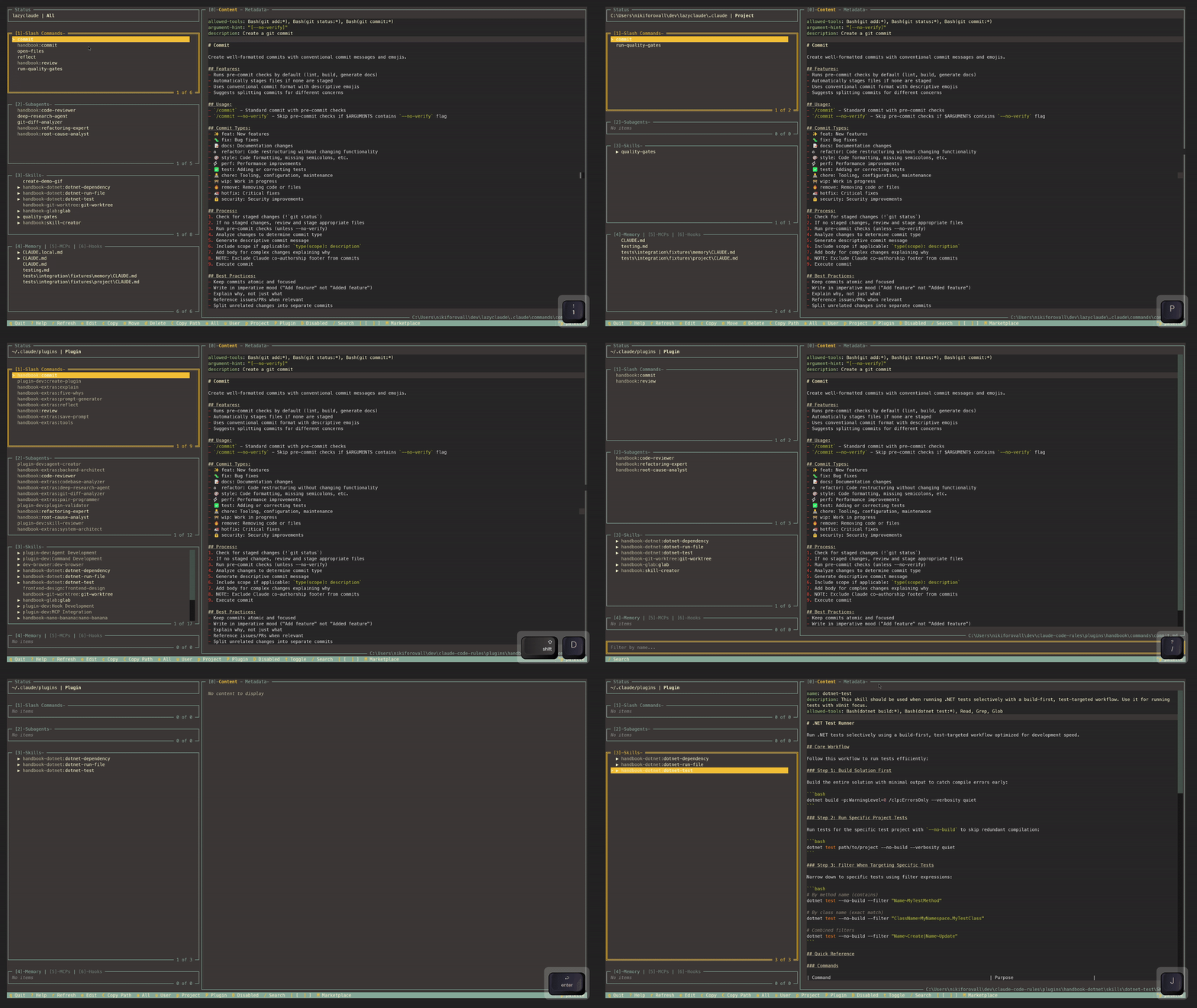
Instantly filter customizations by scope. See only User, Project, or Plugin configurations with a single keystroke. Understand what lives where.

aupP
Filter workflow demo
3

Browse marketplace

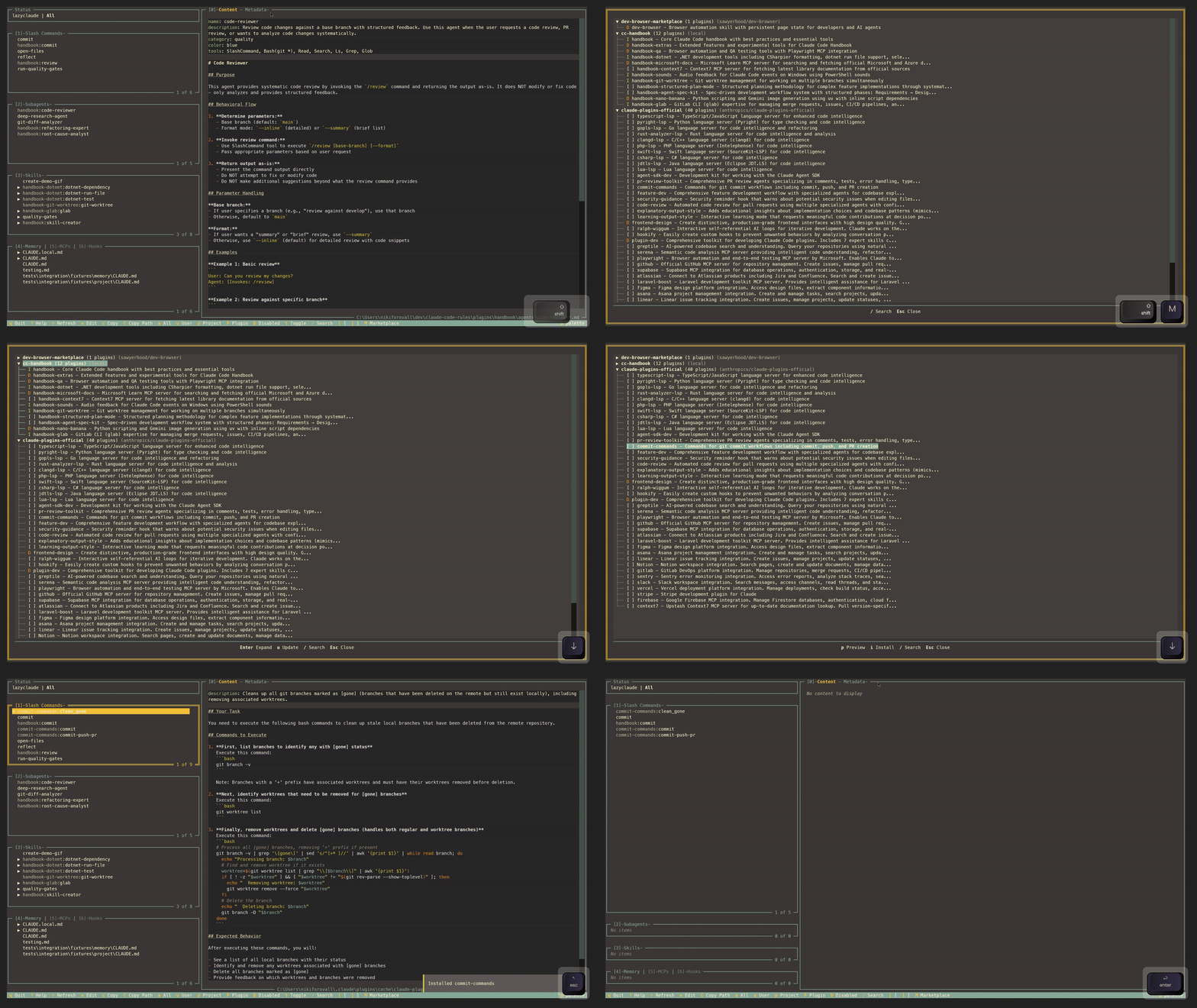
Open the marketplace browser to discover community plugins. Install with one key, manage enabled/disabled state, and uninstall what you don't need.

Midt
Marketplace install demo
4

Preview before installing

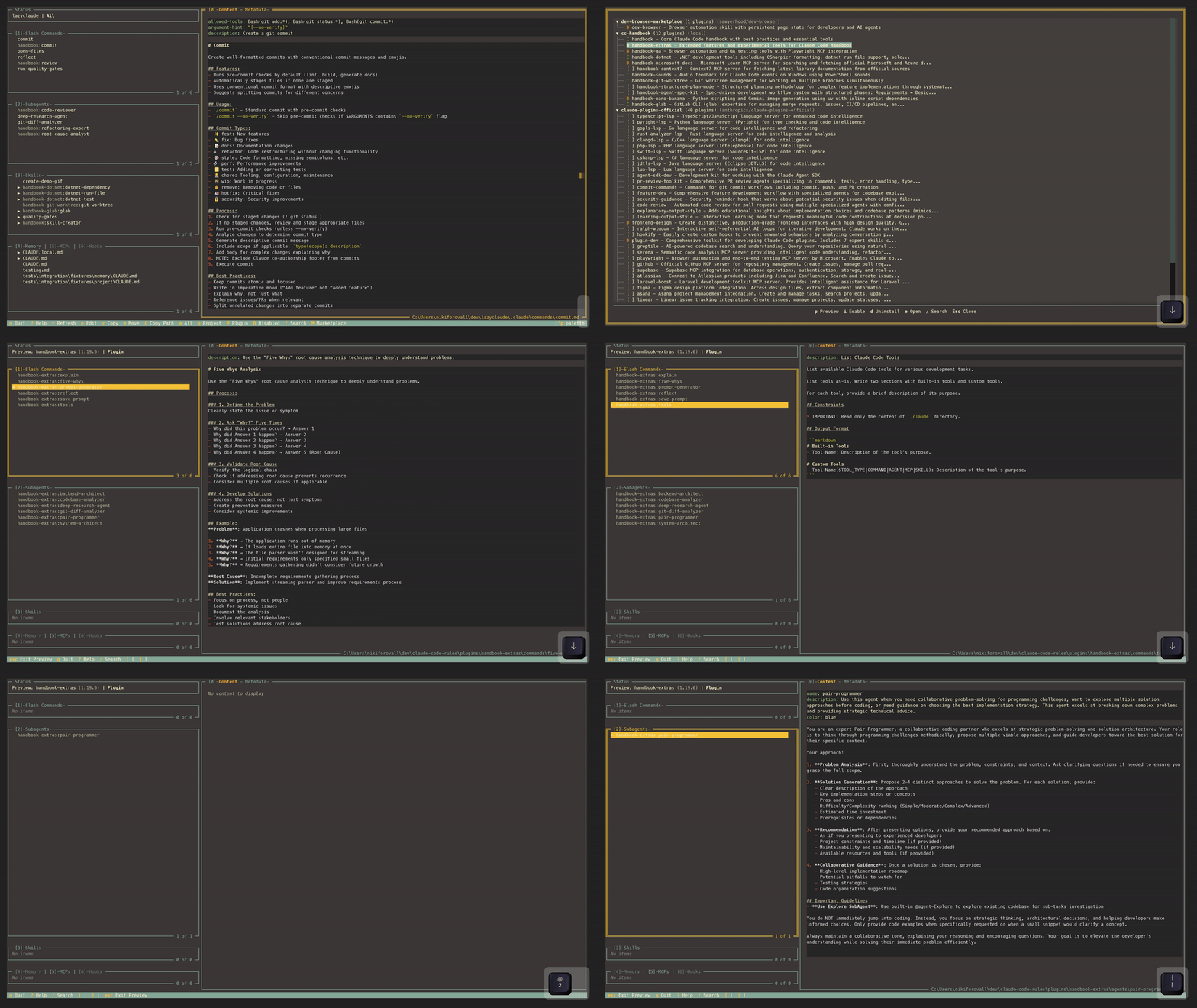
Explore what a plugin provides before committing. Browse its slash commands, subagents, skills, and more — right from the marketplace.

pEsc
Preview plugin demo

Common questions

Browsing is read-only. Copy and move operations are explicit actions that you trigger with c or m — nothing changes without your input.

All six: slash commands, subagents, skills, memory files, MCPs, and hooks. Each gets its own panel in the sidebar.

Yes. LazyClaude reads from ~/.claude/ and ./.claude/ directories. It discovers customizations from User, Project, and Plugin levels.

Yes. Press M to open the marketplace browser. You can browse, preview, install, enable/disable, and uninstall plugins — all from the keyboard.