MCP Inspector Walkthrough
The Aspire AppHost starts the MCP Inspector pre-connected to the server resource's /mcp endpoint. Open the inspector URL from aspire ps (or the Aspire dashboard under the inspector resource).
Connect
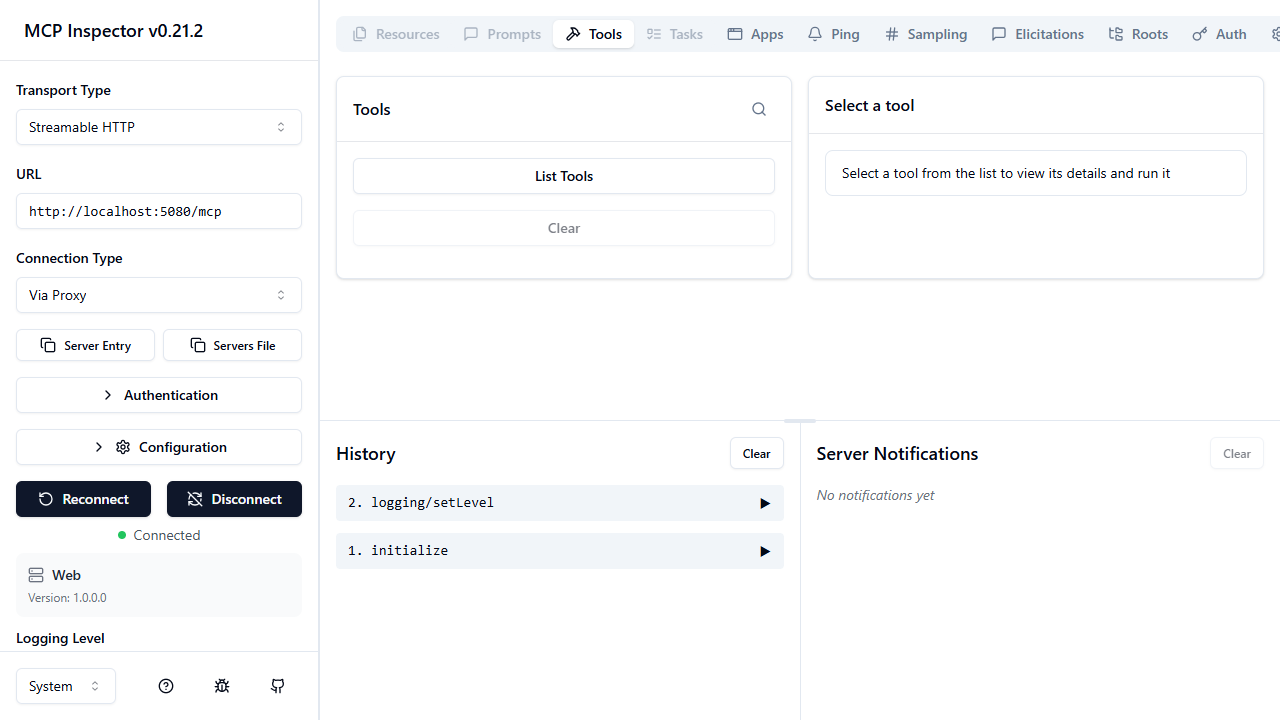
The inspector opens with http://localhost:5080/mcp already filled in. Click Connect:
List tools
Click List Tools on the Tools tab:
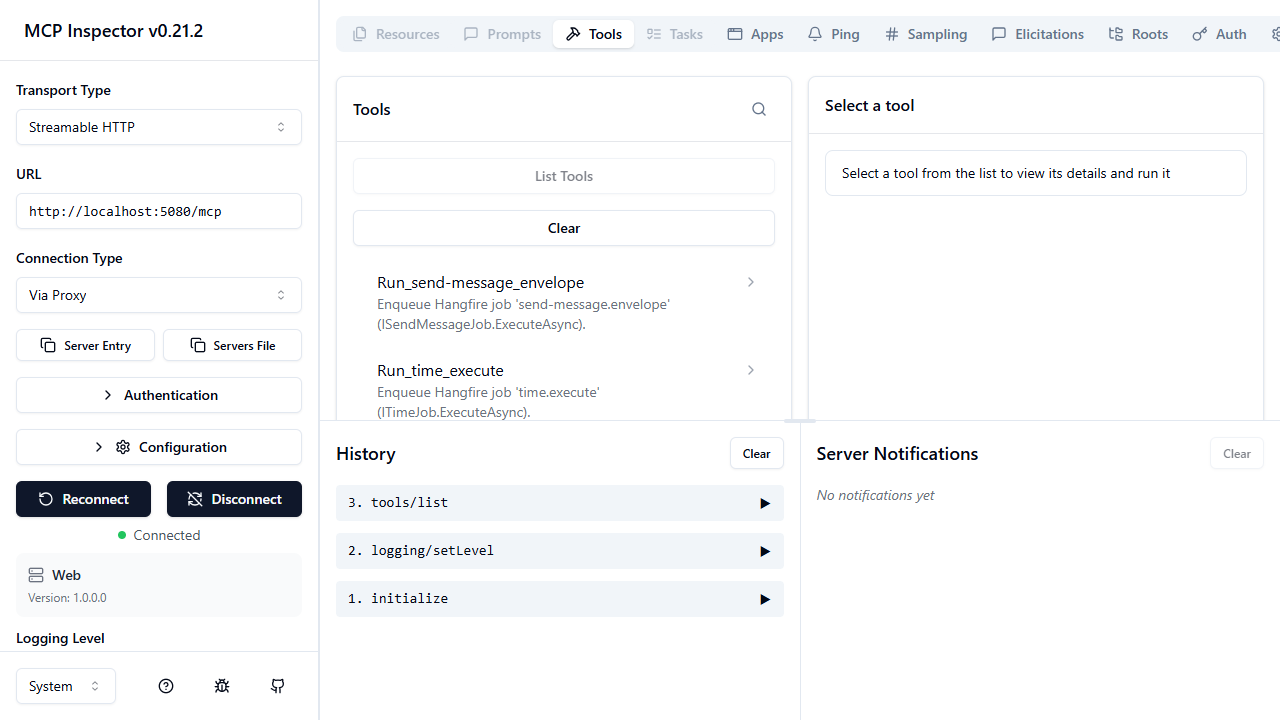
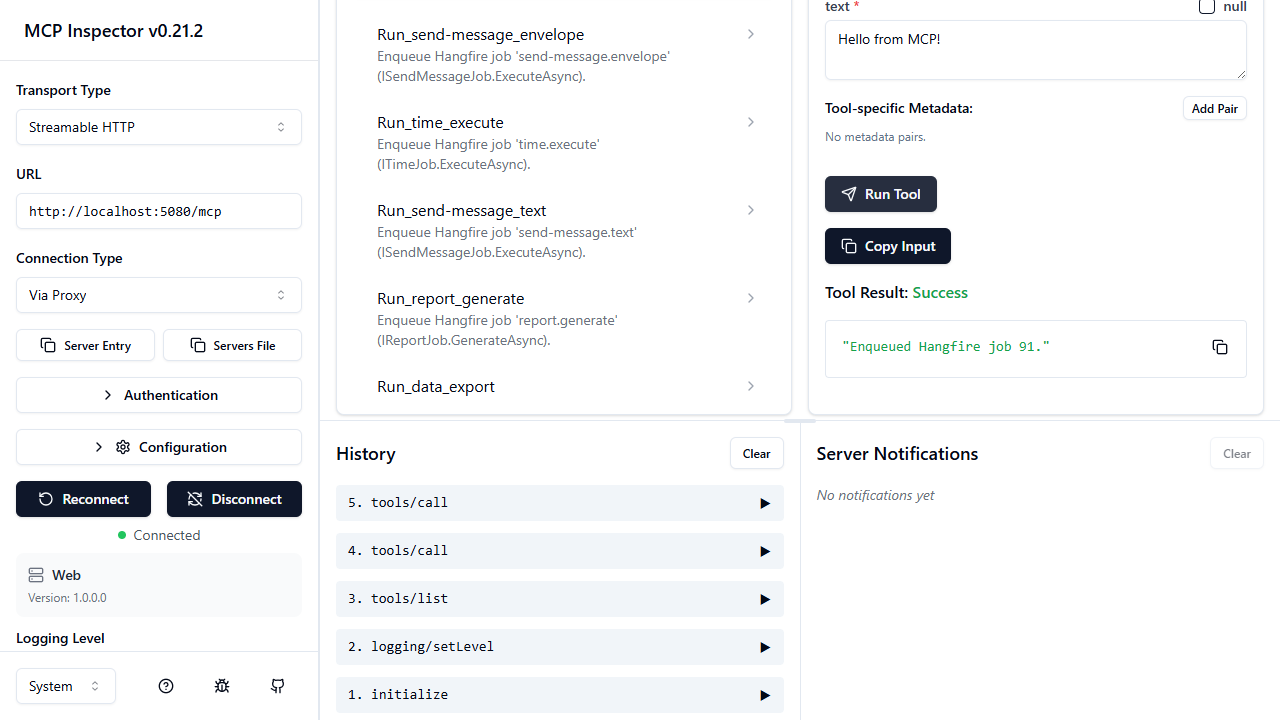
Each recurring job appears as a tool named Run_<job-id> (dots and hyphens replaced with underscores). Manifest-only tools use Run_<TypeName>_<MethodName>.
Run a tool with parameters
Select Run_send-message_text, fill in text, then Run Tool:
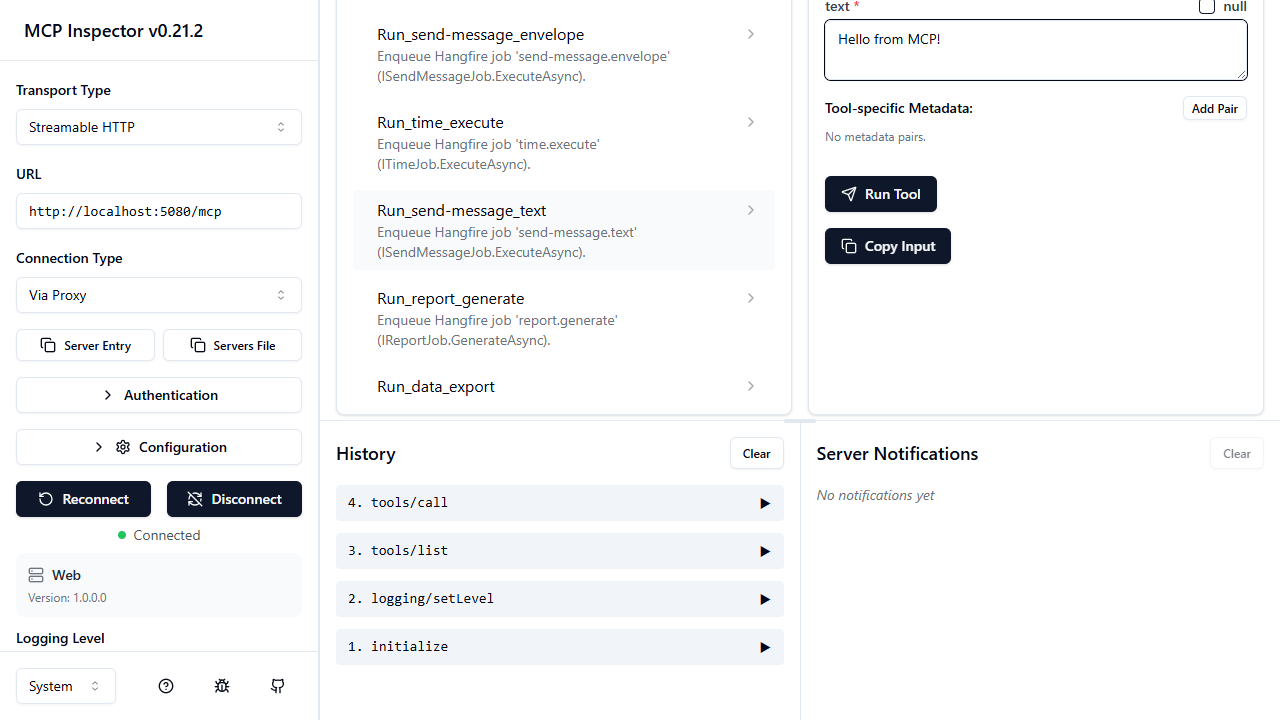
The job is enqueued immediately:
Defaults and optional parameters
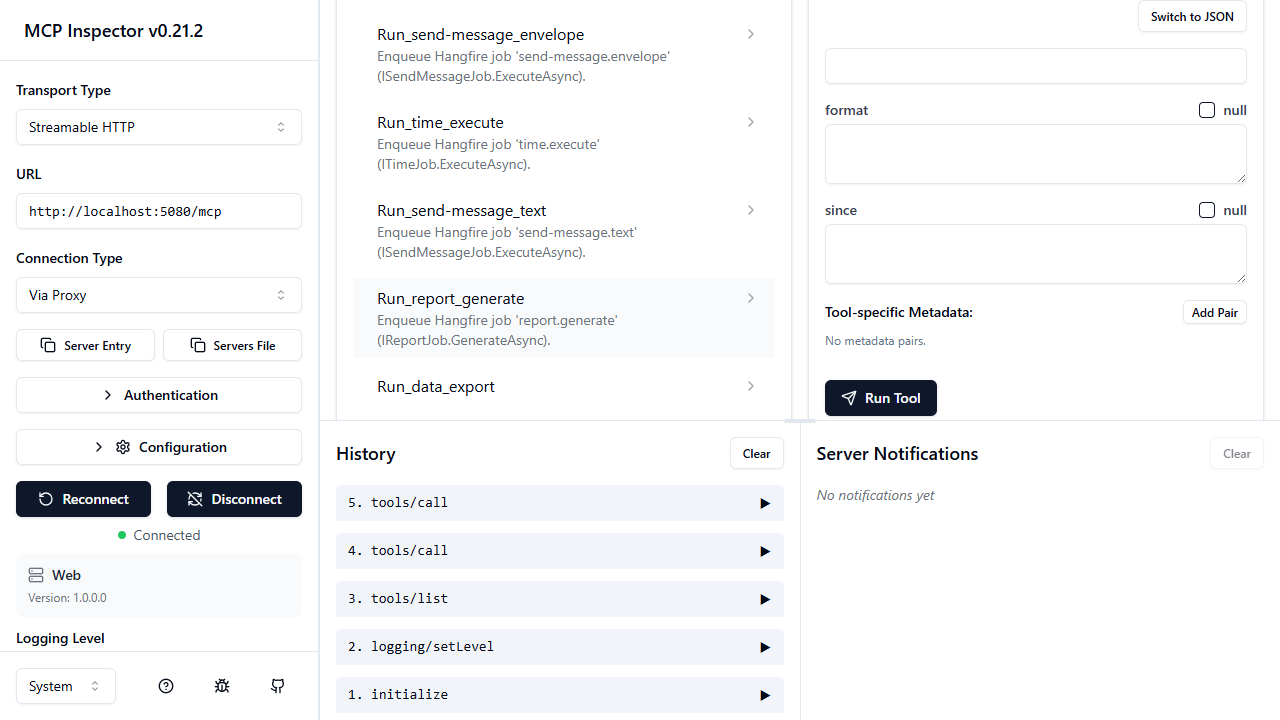
Run_report_generate shows how year is required while format (has a C# default) and since (nullable) are optional: